
If you run a small business, you know the feeling. You have a million things to do, sticky notes stuck to your monitor, five different spreadsheet tabs open, and a lingering fear that you forgot to invoice that client from last Tuesday.
We built Hello Gekko to replace that panic with peace. And today, we want to introduce you (or re-introduce you) to the engine room of our platform: The Workshop, run by your dedicated AI production manager, Kaizen.
We’ve just released a massive set of updates (versions 3.4.2 through 3.4.4) designed specifically to make your daily workflow smoother, faster, and honestly—much better looking.
Meet Kaizen: Your Partner in “Getting It Done”
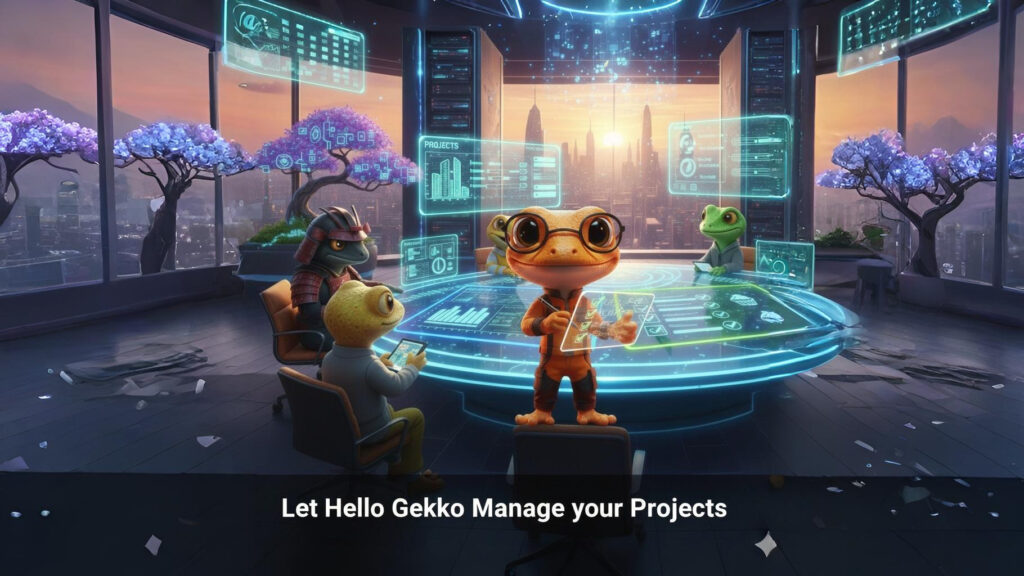
In Hello Gekko, every department has an AI specialist. Kaizen is in charge of your Workshop. His name means “continuous improvement,” and his only goal is to help you take a big, scary idea and break it down into small, finishable tasks.
Whether you are baking custom cakes, fixing HVAC systems, or designing websites, Kaizen is where the work actually happens.
The All-New Project Hub: Clarity at a Glance
The heart of the Workshop is the Project Hub. Think of this as mission control for everything your business is currently building or fixing.
In our latest update, we realized that not all work is created equal. Sometimes you have a massive, multi-week initiative (like “Launch Fall Marketing Campaign”). Other times, you have a quick, one-off task (like “Fix Mrs. Jones’ Sink”).
Treating them the same was confusing. So, we fixed it.
1. Jobs vs. Projects: Instantly See the Difference
We’ve visually separated your work into two distinct categories:
-
Projects (Blue Badges): These are your big goals. They have multiple steps, phases, and perhaps sub-projects.
-
Jobs (Green Badges): These are singular, transactional tasks. Quick in, quick out.
With the new update, you don’t have to read clunky text titles to know which is which. A bright Green Badge instantly tells you it’s a Job, and a Blue Badge tells you it’s a Project. It sounds simple, but when you are scanning your day, this visual clarity is a lifesaver.
2. Filters That Actually Help
As your business grows, your list of projects grows. It used to be a bit of a long scroll to find what you needed.
We have overhauled the Project Hub with powerful new Smart Filters:
-
Filter by Type: Just want to see your quick Jobs for the day? Click “Job.” Want to review your long-term goals? Click “Project.”
-
Filter by Department: Want to see only the projects related to Sales? Or maybe internal Workshop tasks? You can now filter by department instantly.
3. “Recent” Actually Means Recent
There is nothing more annoying than closing a window and having to hunt for what you were just working on. We’ve updated the Recent tab so it intelligently sorts your projects by the ones you (or your team) touched last. You can pick up exactly where you left off, every single time.
From Idea to “Done”
Kaizen isn’t just a to-do list; he helps you think.
With the updated Feature Board, you can track the lifecycle of your products or services better than ever. We’ve added new columns for “Completed” and “Archived.” This means you get that dopamine hit of moving a card all the way to the finish line, keeping your history safe without clogging up your view of what needs to be done now.
Why This Matters for Your Bottom Line
When your work is organized, you don’t miss deadlines. When you don’t miss deadlines, your customers are happy. And when your customers are happy, you get paid faster and get more referrals.
The new Workshop isn’t just about pretty buttons (though they do look great); it’s about giving you the mental space to focus on your craft instead of managing the chaos.
Ready to Find Your Calm?
If you are tired of juggling apps and drowning in spreadsheets, it’s time to let the Gekkos help. Kaizen is ready to get to work.
Join Hello Gekko today and turn your chaos into a well-oiled machine.