
Let’s be honest: You know you should be blogging.
Every marketing guru tells you it’s vital for SEO. You know it drives traffic to your website. You know it establishes you as an expert. But when you’re running a small business, sitting down to wrestle with WordPress feels like a punishment.
First, you stare at a blank screen for twenty minutes trying to think of a topic. Then you write a few paragraphs, delete them, and rewrite them. Then comes the technical nightmare: What is a slug? Do I need a meta description? How do I resize this image so it doesn’t slow down my site?
By the time you hit “Publish”—if you ever do—you’ve lost two hours you could have spent serving customers or growing your business.
That ends today.
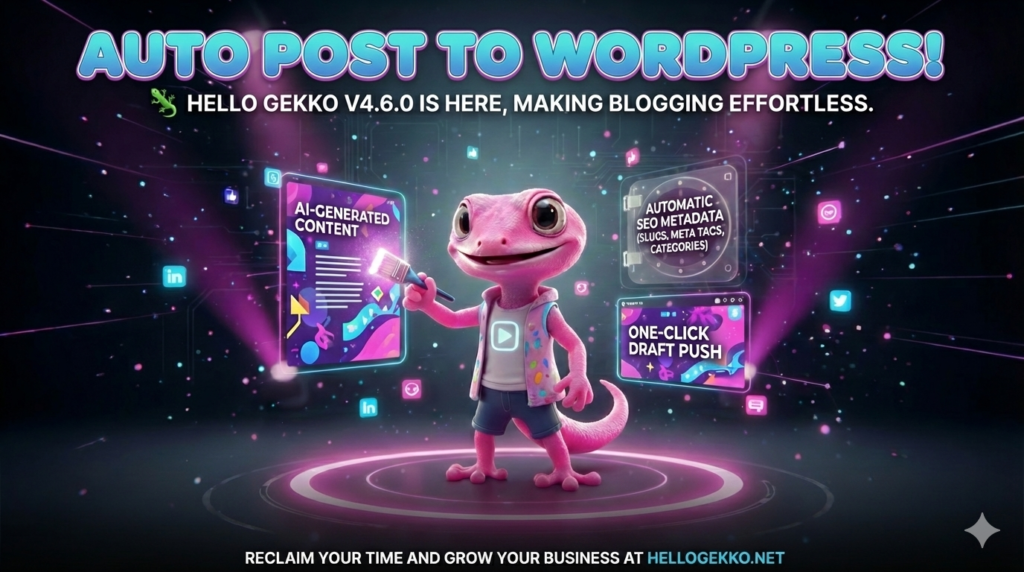
We are thrilled to announce Hello Gekko v4.6.0, the update that finally bridges the gap between your ideas and your website.
Meet Your New 24/7 Writer & Webmaster
In this update, we’ve given Aki, our AI Content Studio Assistant, a massive upgrade. She can now talk directly to your self-hosted WordPress site.
Here is how your new workflow looks:
-
You: “Aki, write a blog post about why winter is the best time to replace drafty windows.”
-
Aki: Writes a full, professional article. She formats it with headers, bullet points, and a friendly tone. She also generates a unique, custom image to go with it.
-
You: Click one button: “Push to WordPress Draft.”
-
Done.
That’s it.
We Handle the SEO “Scary Stuff”
The biggest friction point for most business owners isn’t the writing—it’s the technical metadata that Google demands.
With v4.6.0, Aki automatically generates everything your site needs to rank well:
-
The Slug: Clean, URL-friendly links.
-
Focus Keyphrase: The exact term Google looks for.
-
Meta Description: The catchy preview text that appears in search results.
-
Tags & Categories: Perfectly organized for your site structure.
You don’t have to Google “what is a meta tag” ever again.
Never Lose a Good Idea
We’ve also introduced Draft History. Did you write a great post last week but forget to publish it? Just open the new “History” sidebar in the Blog Creator. Click any past post to reload the text, the SEO data, and the context instantly. You can pick up exactly where you left off.
How to Get Started
If you are already a Hello Gekko user:
-
Go to the Operations (Zen) department.
-
Click on Integrations.
-
Connect your WordPress site (make sure you have the Jetpack plugin installed!).
-
Head over to Marketing (Kabuki) and start writing.
If you haven’t joined yet, now is the perfect time. Stop letting “technical difficulties” silence your business voice. Let Gekko handle the tech so you can handle the business. Get Hello Gekko today! HelloGekko.Net