
From Connections to Completion:
How Hello Gekko’s Latest Update Turbocharges Your Workflow
Running a small business isn’t just about checking boxes; it’s about managing relationships. Whether it’s knowing which project manager reports to which CEO, or remembering that your best client just referred their friend for a new startup, those invisible threads are what hold your business together.
In our latest update (v4.1.0), we’ve overhauled the Customer Hub and Project Workshop to make sure those threads are never lost. Here’s how these changes help you work smarter, not harder.
1. Master Your Network with the “Relationships” Tab
We’ve all been there: a secretary calls for a company, then the boss follows up, and finally, you’re told to deal with “Ray,” the project manager. Previously, these felt like three separate people. Now, they are a team.
-
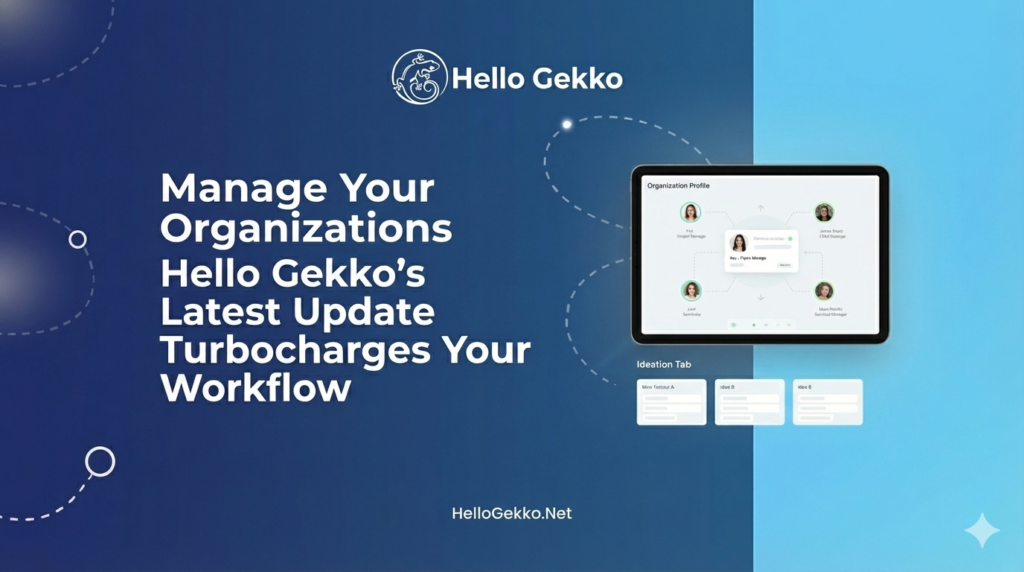
Organization Profiles: You now have a dedicated space to store central info for a company. Update the address or notes once, and see it reflected across every contact tied to that org.
-
Automatic Grouping: If two contacts work for the same company, Hello Gekko automatically shows them to you in the new Relationships tab. You’ll see the whole “org chart” at a glance.
-
Referrals & Personal Links: No organization? No problem. You can now link individuals as “Friend,” “Family,” or “Partner.” If Rob referred Jane, you’ll see that connection clearly, preserving the history of how your network grows.
2. The Workshop: Professional Roles for Professional Teams
Your Project Workshop is now more powerful than ever. We’ve bridged the gap between your CRM and your production line.
-
Add Clients to the Team: With one click, you can now add the client directly to the project team. This keeps them front-and-center during the fulfillment process.
-
Defined Roles: Not everyone on a project has the same job. You can now assign specific roles like “Team Lead,” “Project Manager,” or “Main Client Contact.” This ensures everyone knows exactly who is responsible for what.
-
Visual Ideation: When you’re brainstorming in the Ideation tab and decide to “promote” a potential feature to your active list, you’ll now get instant visual feedback. Promoted items now sport a vibrant “Promoted” badge and a success checkmark, so you can track your progress from “bright idea” to “active feature” without losing your place.
3. Frictionless Navigation (Mobile & Desktop)
We know you’re often managing your business from a phone between meetings. We’ve polished the interface to keep you in the flow:
-
“Recent” First: In the Customer Hub, your most recently viewed contacts now automatically jump to the front of your filters. No more digging for the person you were just talking to five minutes ago.
-
Mobile Inquiry Fix: We’ve fixed the layout on mobile devices so that inquiry notes and action buttons are never cut off. Adding a quick update while on-site is now as smooth as sending a text.
The Bottom Line
These updates aren’t just about new buttons—they’re about clarity. By linking your contacts into organizations and defining clear roles in your projects, you’re building a more mature, scalable business.
Ready to see your business in a new light? Log in to Hello Gekko today and explore the new Relationships tab in your Customer Hub!
Forged by Wild Apps for The Zilla Project.